
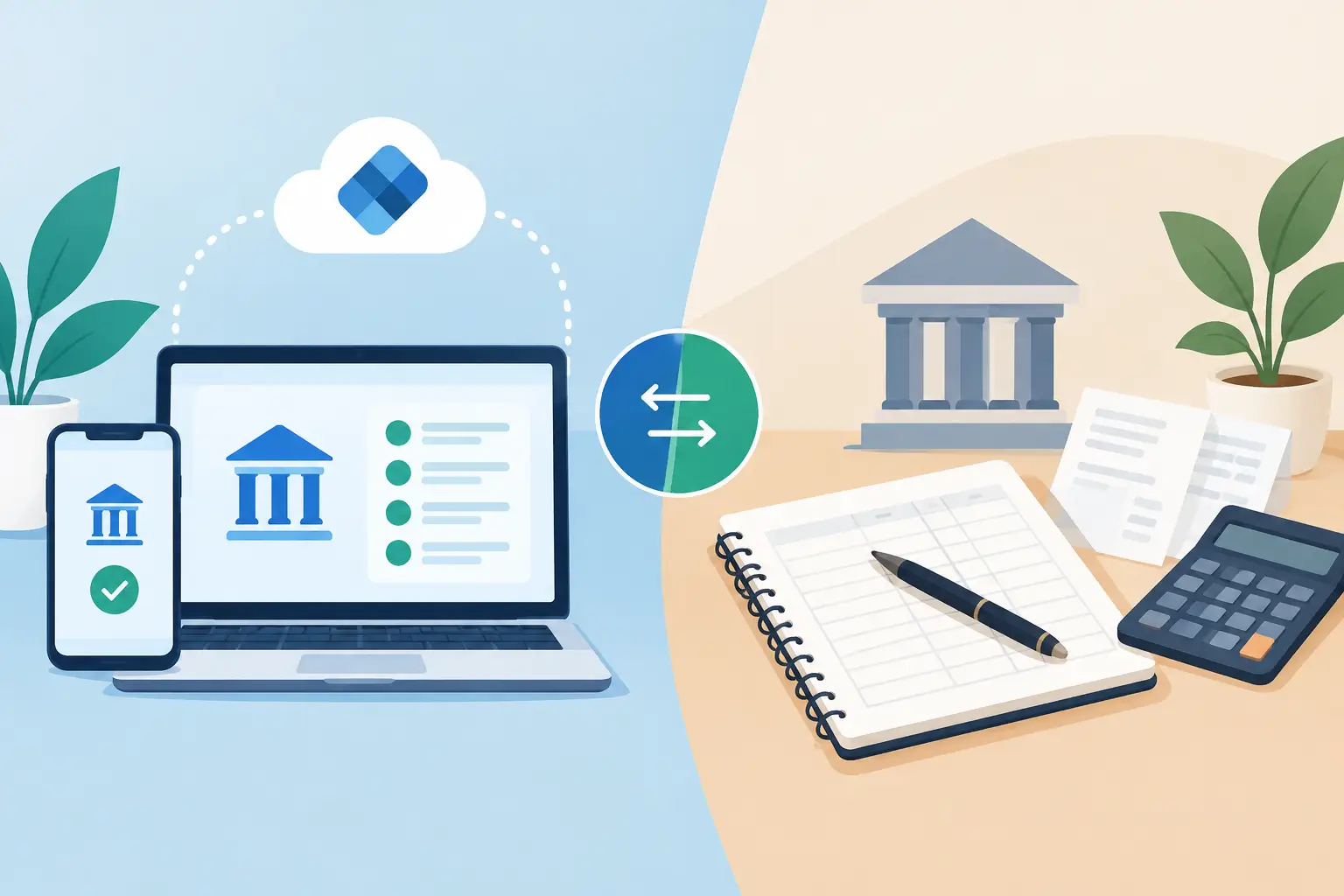
A cash decision often arrives before you have time to prepare for it. A vendor offers an early-payment discount. A key employee needs an answer on hours. A slow week makes you question whether to move money into savings. In those moments, the real question behind Plaid versus manual bank tracking is simple: can you see what is true right now?
Manual tracking can work well for a focused owner with a small number of accounts and a consistent routine. Connected bank data can reduce the effort of maintaining that routine, especially as transactions, accounts, cards, and responsibilities increase. Neither approach is automatically right. The useful choice is the one that gives you reliable visibility without creating another job.
What manual bank tracking asks of you
Manual tracking means you log in to each bank and card portal, review balances and activity, then update a spreadsheet, bookkeeping file, notes app, or cash worksheet. Some owners do this daily. Others set aside time once a week or before payroll.
Its biggest advantage is control. You decide exactly what to include, how to label it, and when to look. If you are building a simple 13-week cash plan, a spreadsheet can also force a valuable habit: slowing down long enough to think through expected deposits, bills, payroll, taxes, and owner draws.
Manual tracking is often a reasonable fit when your business has one checking account, limited transaction volume, and a disciplined review process. It can also be useful for planning items that do not appear in a bank feed yet, such as an expected contract payment, a pending equipment purchase, or a projected hiring date.
The pressure shows up when manual work becomes repetitive. You may need to open three bank portals, review a card account, export transactions, remove duplicates, and reconcile dates before you can answer a basic question: How much cash is actually available?
That friction has a cost. Not necessarily in dollars on a statement, but in delayed decisions, missed recurring charges, and the mental load of knowing your numbers may already be out of date.
Plaid versus manual bank tracking: the practical difference
Plaid is a financial data network that can connect participating financial institutions to apps you choose to use. With your permission, a connected platform can pull account balances and transaction activity into one place. The goal is not to replace your bank or give up control. It is to reduce the number of places you must check to understand your business cash.
With manual tracking, the workflow is usually: visit accounts, collect data, organize it, then analyze it. With a Plaid-connected dashboard, more of the collection and organization happens automatically, so you can spend more time reviewing the picture and deciding what to do next.
For a small-business owner, that difference matters most in four areas:
- Account visibility: A connected view can bring checking, savings, credit cards, and activity from multiple institutions into a single dashboard. Manual tracking can do the same, but only after you gather and update the information yourself.
- Transaction review: Connected transactions make it easier to search for a charge, review spending categories, and spot money moving in or out. Manual records depend on consistent entry and clear labels.
- Timing: Bank connections can refresh data regularly, while a spreadsheet reflects the last time someone updated it. Refresh timing can vary by institution, so connected data should still be reviewed when a decision is time-sensitive.
- Ongoing attention: Alerts for balance thresholds, spending levels, or recurring charges can bring an issue to you. A manual system requires you to remember to go looking for it.
Automatic does not mean perfect. Transactions can be pending, merchants can appear under unfamiliar names, categories can need correction, and some institutions may require you to reconnect from time to time. A connected dashboard reduces data gathering. It does not eliminate the need for an owner who understands the business.
Start with the decisions you need to make
Choosing a method gets easier when you stop thinking about features and start thinking about decisions. Ask yourself what you need to answer during a normal week.
If your questions are limited to, “Did this customer pay?” and “Can I cover this bill?” a simple manual check may be enough. If you regularly ask, “What did we spend on software last month?” “Which subscriptions are still active?” “How much cash do we have across accounts?” or “What happens if revenue is 15% lower this month?” connected data starts to earn its place.
A useful test is to notice the gap between when you need an answer and when you can confidently get one. If it takes an hour of logging in, copying numbers, and checking a spreadsheet before you can make a move, your process may be asking too much of you.
That does not mean abandoning planning. It means separating two jobs that often get tangled together. Let connected data help you see actual activity. Use a cash plan to think ahead about what may happen next.
Connected data is visibility, not a substitute for bookkeeping
Bank tracking and bookkeeping support different needs. A connected dashboard is valuable for day-to-day cash awareness, transaction exploration, spending reviews, and early signals. Bookkeeping is the structured financial record used to reconcile accounts, classify activity properly, prepare financial statements, and support tax reporting.
Your bookkeeper or accountant may have a more complete view of accruals, liabilities, inventory, payroll obligations, and other details that do not show up clearly in a bank balance. That professional context matters.
Think of connected bank tracking as the operating view: What has moved, what is available, and what deserves attention? Think of bookkeeping as the financial record: What does the business owe, earn, own, and report over time? Both can help you lead with more confidence.
Security and control deserve a direct conversation
It is reasonable to be careful about connecting financial accounts. Before connecting any account, review the platform’s security practices, privacy policy, and the permissions you are granting. Use a strong, unique password and multi-factor authentication for your bank and the platform wherever available.
A connection is permission-based, and you should be able to manage or remove access when you choose. It is also wise to review connected accounts periodically, particularly after changing banks, closing cards, or shifting responsibilities within your business.
Manual tracking may feel safer because it keeps activity in systems you already use. But security is not only about whether data is connected. It also includes how spreadsheets are stored, who can access them, whether files are emailed, and how consistently accounts are monitored. The safest workflow is one you can actually maintain.
A practical middle ground works for many owners
You do not have to choose complete automation or complete manual control. Many healthy financial routines use both.
Use connected accounts for the day-to-day view of balances, transactions, recurring spending, and alerts. Then maintain a simple forward-looking cash plan for the decisions bank data cannot predict. Add expected invoices, scheduled tax payments, seasonal slowdowns, and planned purchases. Review it weekly, then adjust as the actual transactions come in.
For example, a connected dashboard may show that cash across accounts is $28,400 and software spending rose this month. Your plan can add the context: $9,000 in payroll is due Friday, a $6,500 client payment is expected next week, and you want to preserve a $15,000 operating floor. Now you are not reacting to a single balance. You are making a decision with context.
B:Side Assist is built for that kind of working rhythm. It brings connected account activity into a centralized view, then helps owners explore transactions, set alerts, and use planning tools such as cash runway and savings scenarios. The point is not to hand every decision to software. It is to give you a clearer starting point for the next conversation and the next move.
Choose the lightest system that keeps you informed
Manual tracking is not a failure of technology, and connected tracking is not a requirement for every business. If your manual process is current, accurate, and easy to sustain, keep using what works. If it is repeatedly delayed, fragmented, or dependent on you finding an extra hour each week, a Plaid-connected view may relieve real pressure.
Start with one question you wish were easier to answer. It might be whether you can make a purchase, where spending increased, or how long current cash can support operations. Build your tracking process around answering that question clearly. A little clarity can make your next move feel far more manageable.