
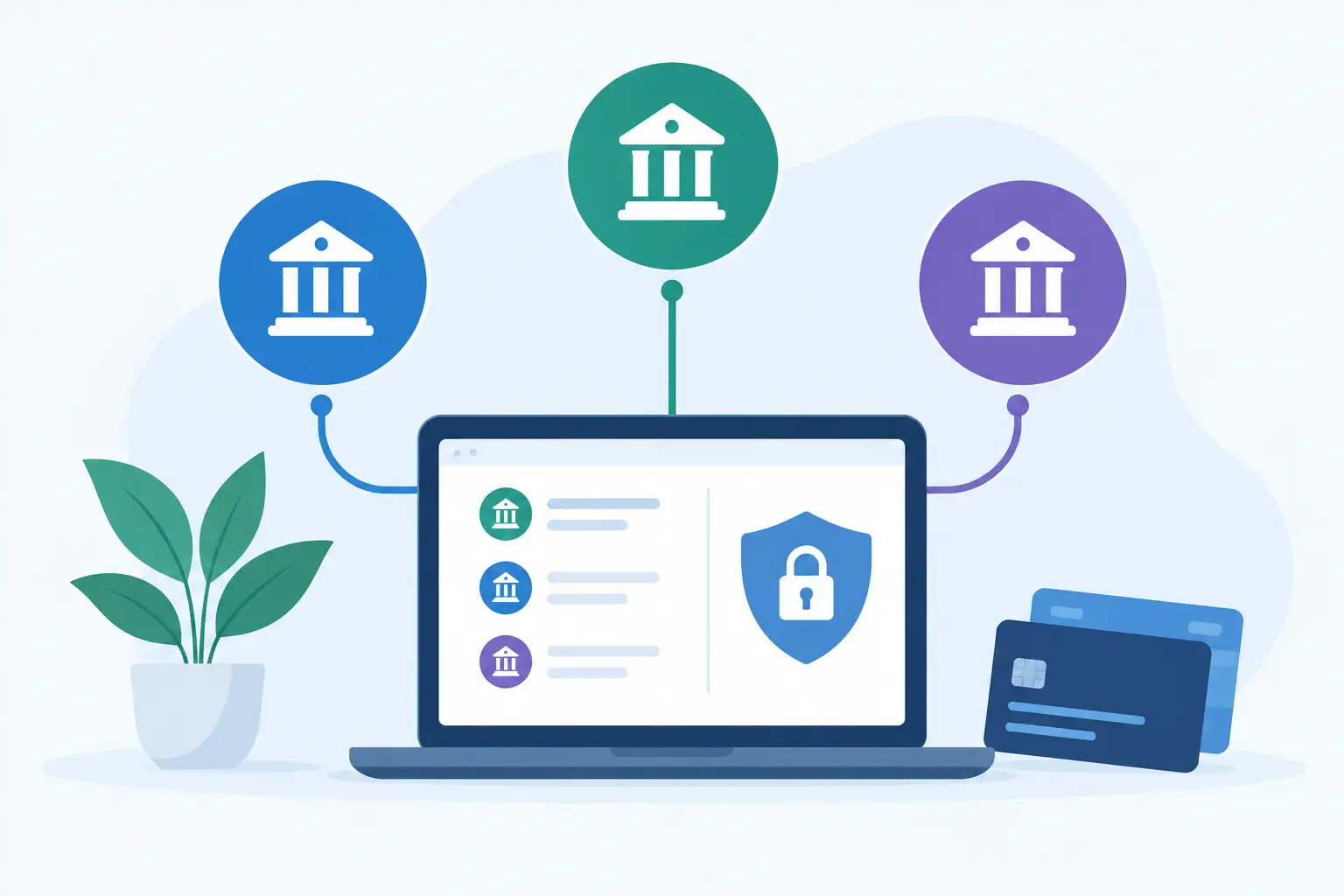
A business can look busy and still be short on cash. The issue is often not a lack of revenue. It is that money is split between an operating account, a tax savings account, a credit union account, and perhaps a personal account used for occasional business expenses. Learning how to connect multiple bank accounts gives you one place to see what is available, what is committed, and what needs attention before it becomes urgent.
For small-business owners, this is not about adding another system to manage. It is about spending less time logging into separate bank portals and more time making the next decision with confidence. Know your numbers. Lead with a plan.
Start with the accounts that affect cash decisions
You do not need to connect every financial account you have on day one. Start with the accounts that answer your most frequent questions: Can I make payroll? Did that customer payment arrive? How much is set aside for taxes? Are recurring charges pulling more cash than expected?
For most owner-operators, that means connecting the primary business checking account first, then business savings and business credit cards. If you use accounts at more than one institution, add each institution separately. A centralized dashboard can then show combined cash balances while preserving the detail of each account.
Personal accounts require more judgment. If you regularly move money between a personal and business account, connecting both can make transfers easier to understand. But if your goal is clean business reporting, keep personal spending separate whenever possible. Mixing accounts can create confusion for you, your bookkeeper, and your tax professional.
Before you connect anything, make a quick list of the accounts you use and their jobs. Label them in plain language: operating, taxes, payroll reserve, merchant deposits, credit card, or owner draw. Those labels make the dashboard more useful from the beginning.
Choose a secure connection method
The safest way to connect accounts is through a reputable financial data connection provider, rather than sharing bank usernames and passwords directly with an individual, contractor, or unfamiliar app. Many financial platforms use services such as Plaid to establish a secure, permission-based connection with your bank.
During setup, you will usually select your financial institution, sign in through its secure process, choose the accounts to share, and approve the connection. Your bank may ask for multi-factor authentication, such as a text code or authentication-app prompt. That extra step is normal and worth keeping enabled.
Take a minute to read what data the platform requests. For a cash-management dashboard, access commonly includes account balances and transaction history. It should not give the platform authority to move money unless you explicitly enroll in a service that requires payment permissions.
A few practical safeguards matter here:
- Use a unique, strong password for your bank and turn on multi-factor authentication.
- Connect only through the bank’s recognized sign-in flow, not through emailed login requests or unexpected text messages.
- Review who on your team has dashboard access and give each person only the visibility they need.
- Revisit connected apps periodically and remove access for tools you no longer use.
Security is not a one-time checkbox. It is a regular owner habit, like reviewing transactions or approving payroll.
How to connect multiple bank accounts step by step
Once you have chosen a financial dashboard, the process is usually straightforward. The goal is to connect your accounts without losing track of what each one represents.
1. Connect your primary operating account
Begin with the account where customer payments land and everyday bills are paid. This account gives the clearest picture of your working cash. After connecting it, confirm that the displayed balance matches your bank balance and scan the latest transactions for accuracy.
If there is a small timing difference, do not panic. Pending card transactions, bank processing windows, and overnight updates can create temporary gaps. What matters is understanding whether the difference is timing or an actual issue worth investigating.
2. Add reserve, savings, and tax accounts
Next, connect accounts that hold money for a defined purpose. A tax reserve is not the same as spendable operating cash, even though it contributes to your total balance. The same goes for payroll reserves, equipment savings, and emergency funds.
Seeing these accounts together helps you avoid a common mistake: treating every dollar in the bank as available to spend. A combined view tells you total cash. Account labels and goals tell you what that cash is for.
3. Add credit cards and secondary institutions
Business credit cards show commitments that may not appear in checking account activity until the payment date. Connecting them alongside cash accounts can help you spot spending patterns, recurring software charges, or an upcoming balance that needs a plan.
If you bank with multiple institutions, repeat the connection process for each one. This is especially helpful when you use one bank for deposits, another for lending, and a third for savings. The point is not to consolidate your banking relationships. It is to consolidate your view.
4. Review account names, categories, and transactions
After the connections are live, spend 15 minutes reviewing what came through. Rename accounts so they are instantly recognizable. Look for duplicated accounts, old cards, or closed accounts that should not be included in your day-to-day view.
Then review transaction categories. Automation can provide a strong starting point, but it will not understand every vendor or business decision. Correcting a few categories early improves future spending views and makes it easier to answer practical questions, such as whether marketing costs rose this month or whether a vendor charged you twice.
Turn connected data into a working cash picture
A connected dashboard is useful only when it changes what you can see and do. Start with three numbers: total cash, cash reserved for specific purposes, and cash available for operations.
For example, imagine you have $42,000 across accounts. At first glance, that can feel reassuring. But if $12,000 is set aside for taxes, $8,000 is payroll reserve, and $6,500 in credit card payments are due soon, your flexible cash is much smaller. That does not mean the business is in trouble. It means you can make decisions based on the full picture instead of the loudest bank balance.
Connected transactions also make cash flow easier to investigate. Search for a vendor to see the total paid over time. Review money in and money out by week or month. Look at recurring charges before they quietly become permanent. When you can trace a number back to real activity, you can ask better questions and act sooner.
B:Side Assist brings connected account data into one dashboard so small-business owners can review balances, transactions, recurring activity, and spending without bouncing among bank portals.
Set alerts around decisions, not anxiety
Alerts work best when they support a specific action. A low-balance alert is helpful if it tells you to delay a discretionary purchase, move funds from a reserve you have intentionally designated, or follow up on an overdue invoice. It is less helpful if it simply creates noise.
Set thresholds based on your real operating rhythm. Consider your lowest comfortable checking balance, your typical weekly payroll requirement, and the amount you want protected for taxes. A business with predictable subscription revenue may use different thresholds than a contractor paid in large, uneven project installments.
You may also want alerts for large transactions, recurring charges, or unusually high spending in a category. Start with a small number of alerts. If every routine purchase triggers a notification, you will stop paying attention to the ones that matter.
Use the view before making your next move
Connected accounts are especially valuable at decision points. Before hiring, increasing inventory, taking an owner draw, or committing to a new monthly tool, look beyond the account that happens to hold the most money.
Ask: What is our available cash after reserves? What expenses are due before the next expected deposits? If sales are lower for 30 days, how much runway do we have? If we cut one nonessential expense, what changes?
These are planning questions, not just accounting questions. A cash runway calculator or savings planner can help you model the scenario, while your connected transaction data supplies the starting numbers. The results are not a replacement for your accountant, bookkeeper, or financial adviser. They give you a clearer starting point for the conversation and a stronger basis for daily choices.
Keep the connections healthy
Banks occasionally require you to reconnect an account, particularly after a password change, security update, or multi-factor authentication reset. If an account stops updating, follow the platform’s reconnect prompt promptly. An outdated balance can be more misleading than no balance at all.
Build a short weekly routine: check that major accounts are current, review new transactions, investigate anything unfamiliar, and confirm that cash reserved for taxes or payroll remains protected. This does not need to take an hour. Ten focused minutes can prevent a surprise later in the week.
The value of connecting multiple bank accounts is not that every number becomes perfect. It is that fewer decisions are made in the dark. When you can see the cash, the commitments, and the patterns in one place, you have more room to make your next move with intention. In your corner. On your side.